CONNECTED KITCHEN OPERATIONS
Clover® Kitchen Display System
Bring front-of-house ordering, supported off-premise channels, and kitchen fulfillment together with a real-time view of tickets, timing, and order status.
Explore Clover KDS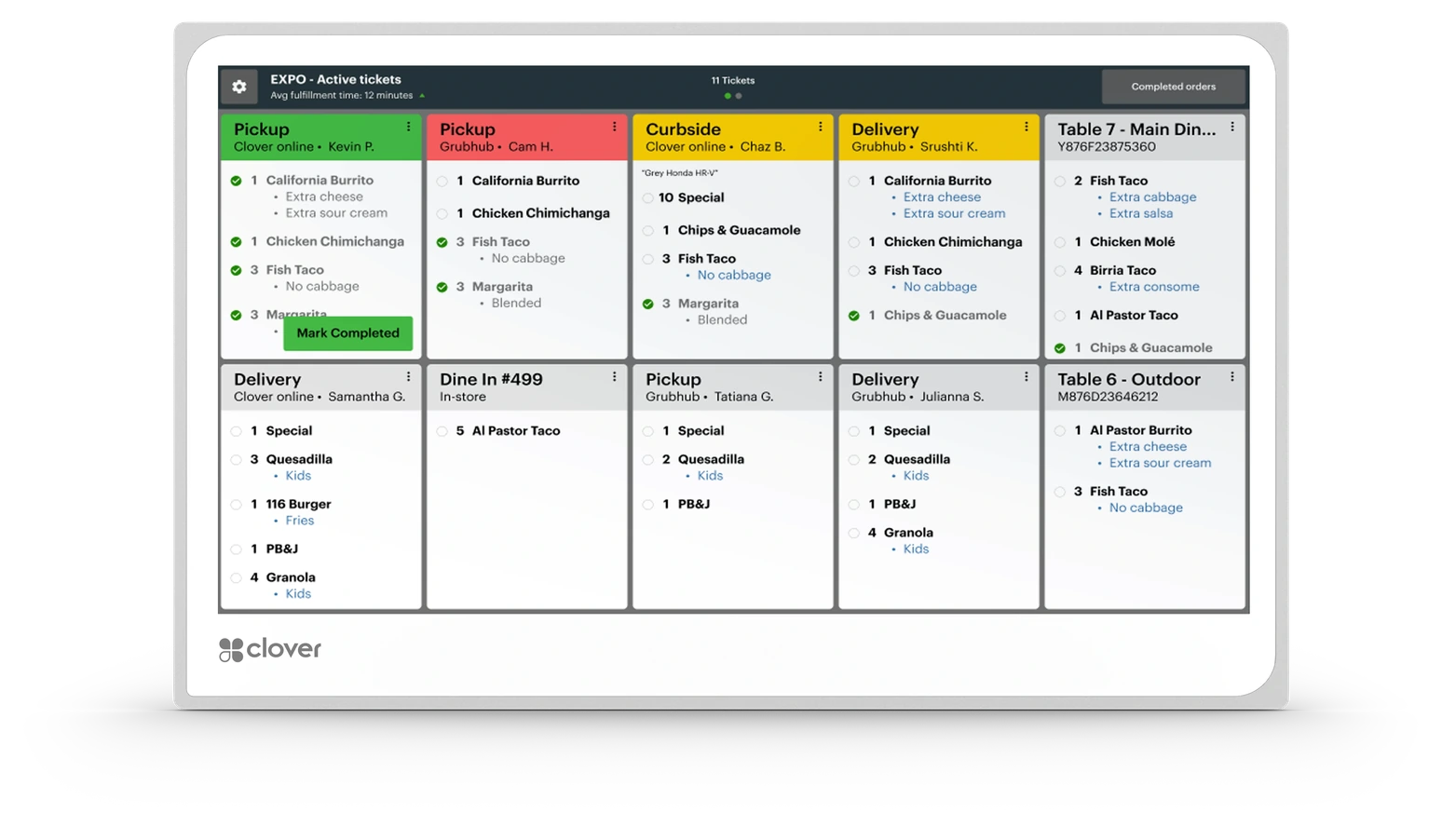
ONE KITCHEN, ONE ORDER VIEW
Keep Orders Visible from Entry to Fulfillment
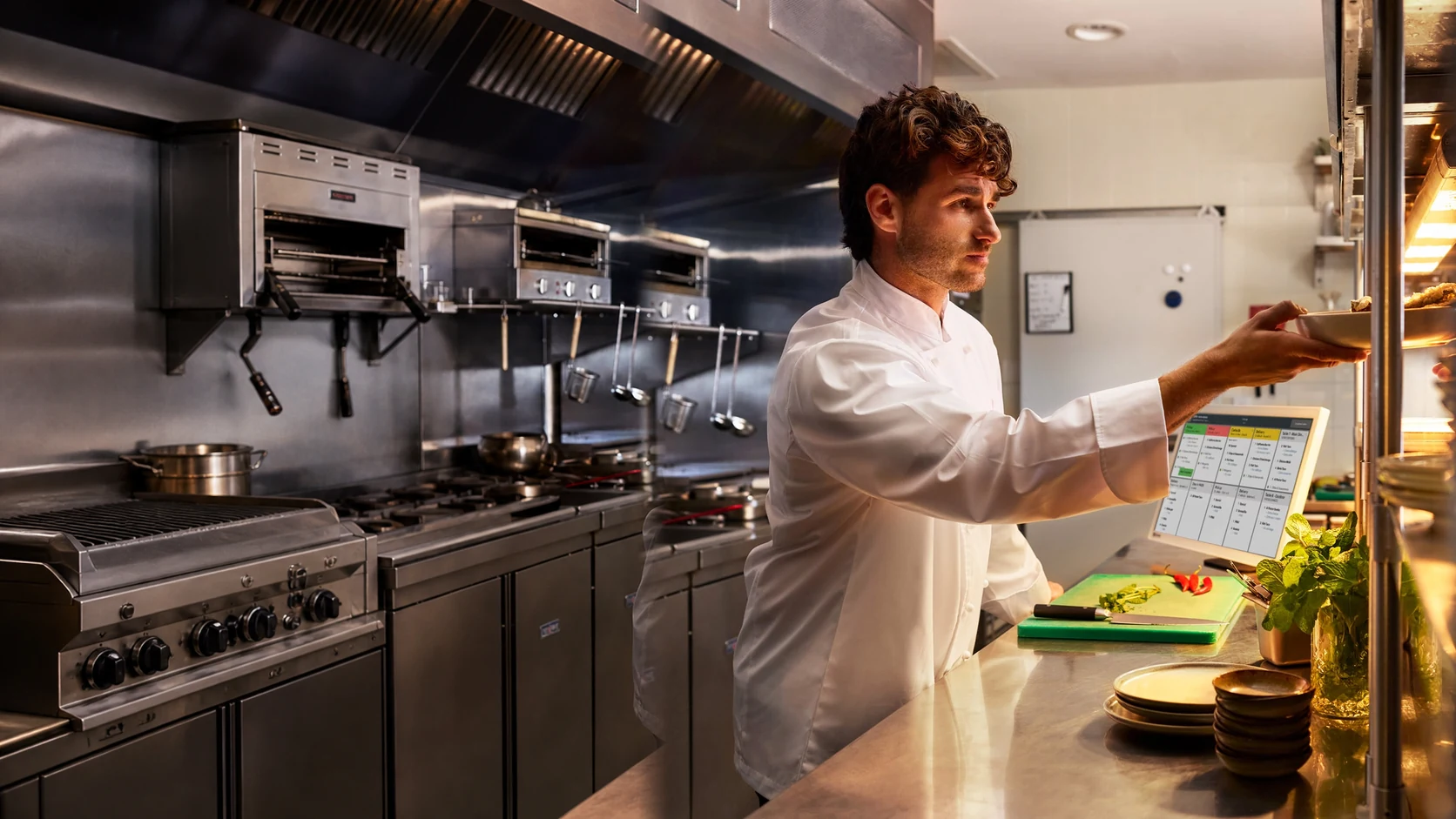
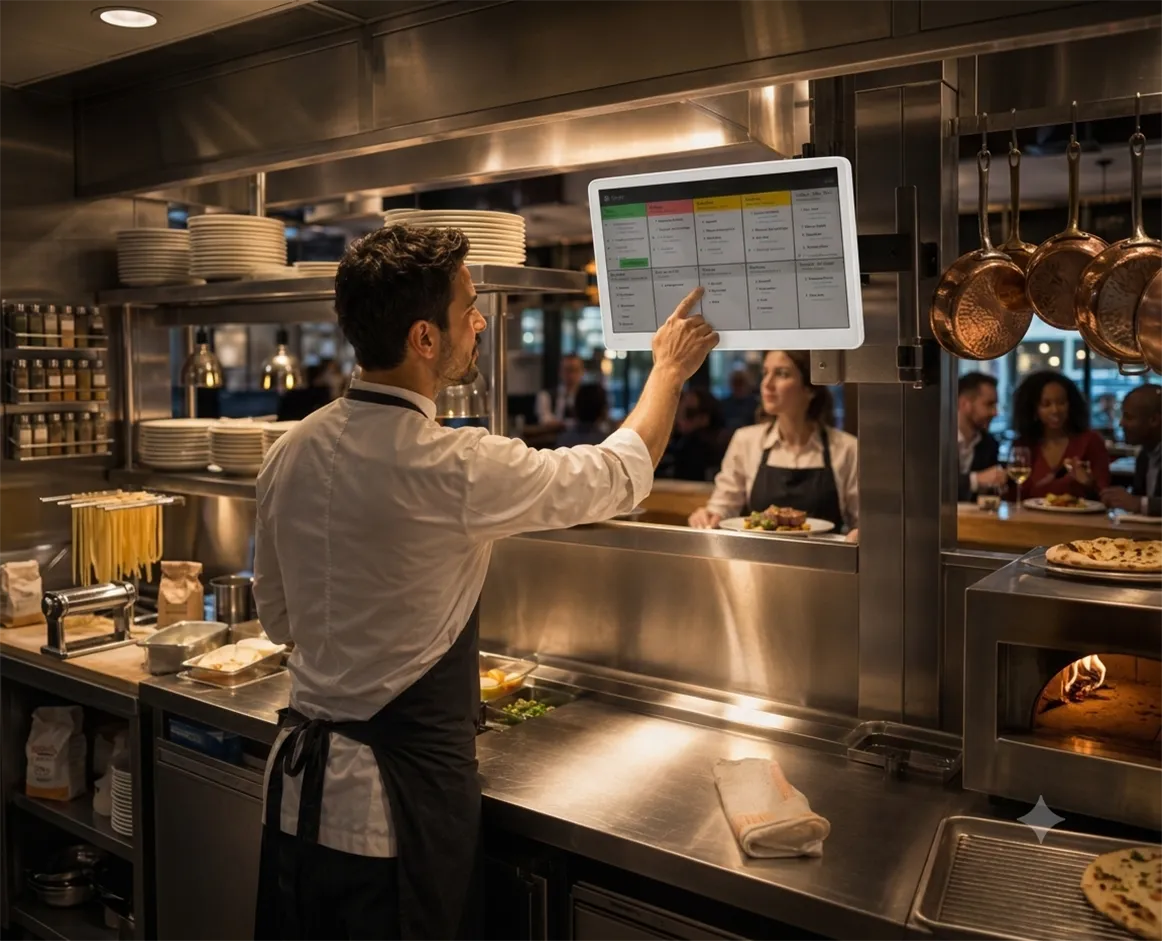
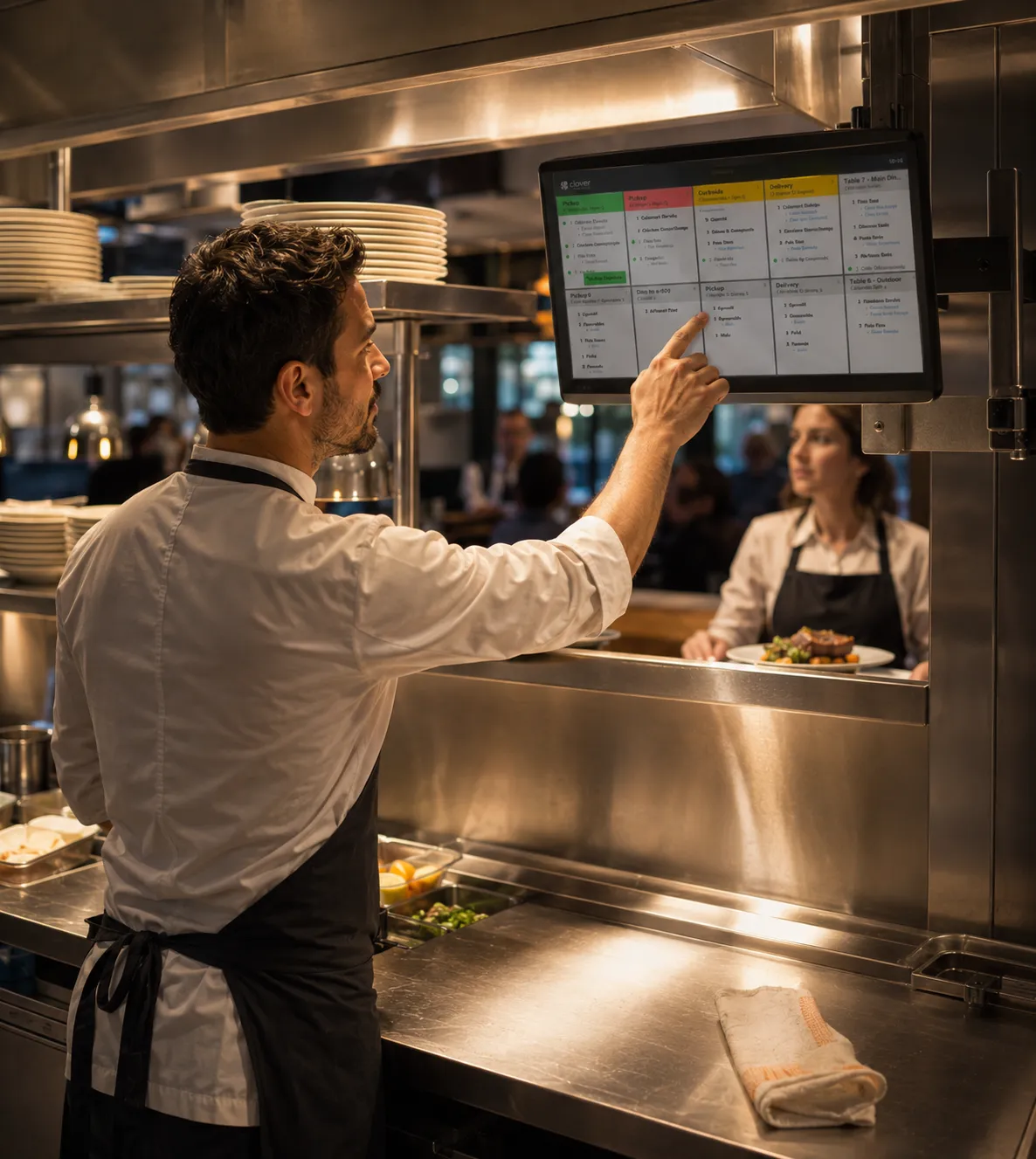
Clover KDS gives kitchen teams a centralized view of orders as they move from supported Clover ordering devices and connected channels into preparation. Instead of relying on scattered paper tickets, staff can follow ticket timing and order status from one working screen.
-
Centralize Incoming Orders
Bring supported on-premise and off-premise order activity into a shared kitchen workflow.
-
See Ticket Timing
Give kitchen staff a real-time view of how long orders have been in preparation.
-
Reduce Paper-Ticket Clutter
Move supported restaurant ordering activity onto a purpose-built digital kitchen display.
BUILT FOR RESTAURANT OPERATIONS
Hardware Designed for the Kitchen Environment
Clover KDS is purpose-built for food-service settings where heat, fingerprints, glare, noise, and constant activity are part of the daily workflow.
Temperature Resistant
A kitchen-ready body built to tolerate operating temperatures up to 122°F.
Easy to Maintain
Anti-fingerprint treatment helps keep the working display cleaner during active service.
Clearer Viewing
Anti-glare treatment supports visibility under bright restaurant and kitchen lighting.
Audible Alerts
Bi-directional speakers help order alerts carry through a noisy kitchen environment.
KDS SOFTWARE FEATURES
Tools That Help Keep Service Moving
Organize preparation, route items, monitor timing, and coordinate fulfillment without turning the kitchen into a wall of paper tickets.
Multi-Level Fulfillment
Support order progress across multiple preparation and fulfillment stages as items move through the kitchen.
Expo Mode
Give the expo station a clearer view of order completion before food leaves the kitchen.
Item-Level Routing
Direct individual menu items to the appropriate preparation area instead of sending every item everywhere.
Prep-Time Reporting
Review preparation and fulfillment timing to gain clearer insight into kitchen performance.
Color-Coded Order Status
Use visual status cues to help staff identify which tickets require attention as service progresses.
Runner-Ticket Printing
Print runner tickets directly from KDS using a compatible network-connected printer when the workflow calls for it.
CLEARER KITCHEN COORDINATION
Connect the Front of House with the Back of House
When order details, timing, and completion status are visible to the people preparing the food, the kitchen can respond with greater clarity during both steady service and sudden volume changes.
Clover KDS helps restaurants keep supported ordering channels connected to preparation while giving managers useful reporting on prep time and fulfillment activity.
CHOOSE THE RIGHT SCREEN
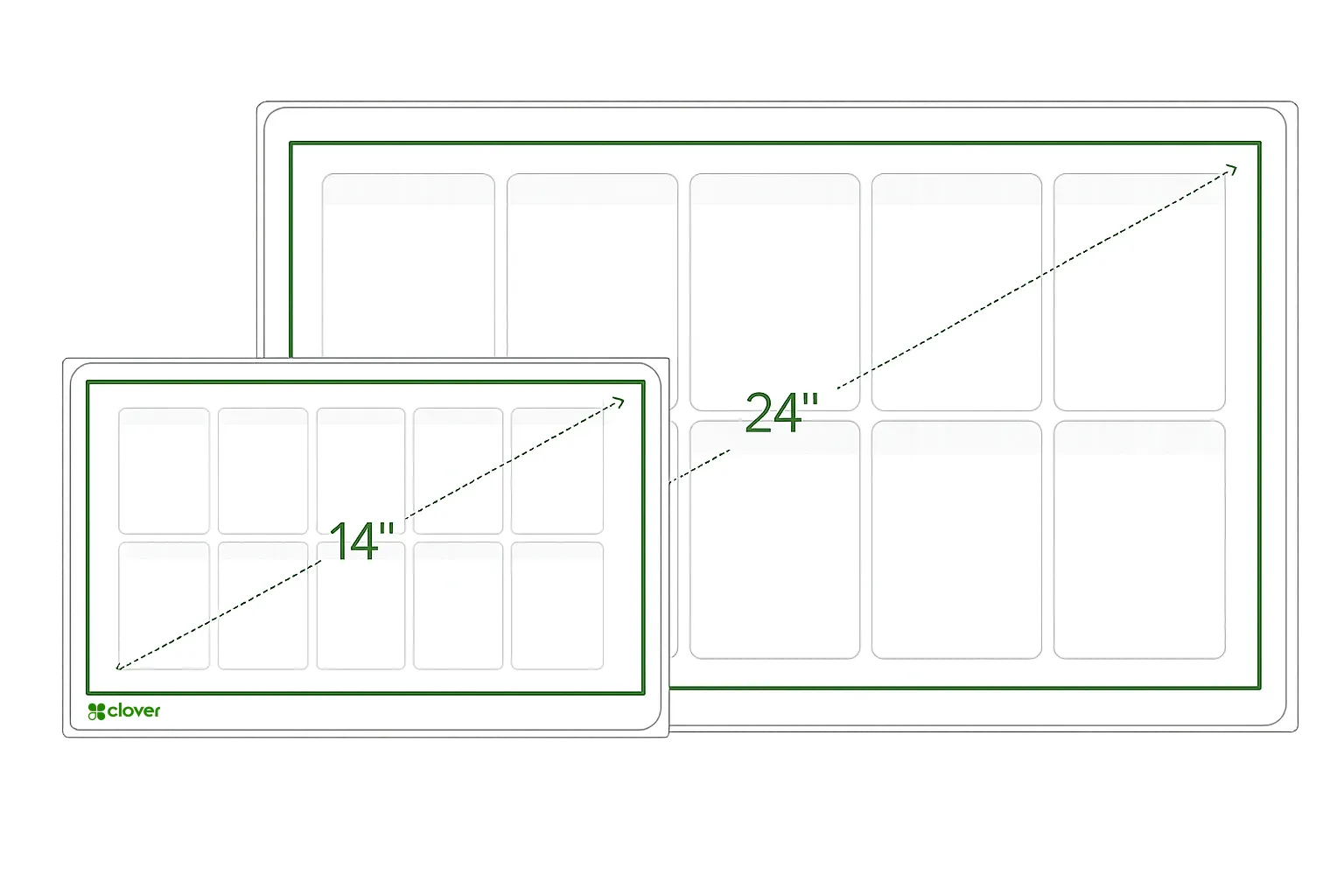
Two KDS Sizes for Different Kitchen Layouts
Choose the screen size and placement approach that best matches visibility, available space, and how your team manages orders.
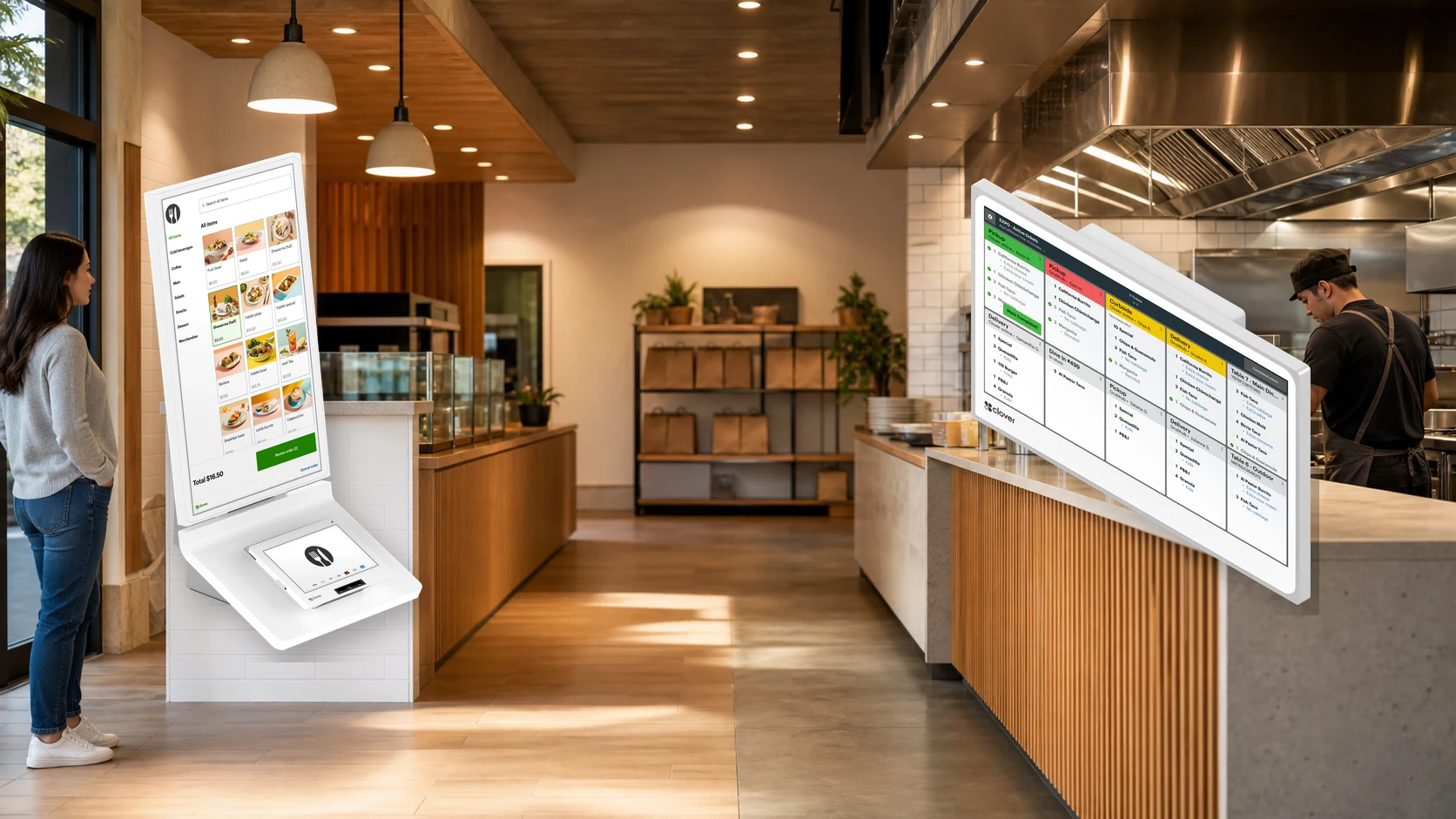
KDS 24-Inch
A larger display suited to busy production environments where orders need to remain visible across a wider kitchen area.
Supports overhead installation and optional bump-bar workflows.
KDS 14-Inch
A compact display for smaller kitchens and space-conscious layouts, with flexible countertop or wall-mount placement using optional accessories.
Also supports an optional bump-bar accessory.
OPTIONAL KITCHEN CONTROL
Manage Orders with the KB9000 Bump Bar
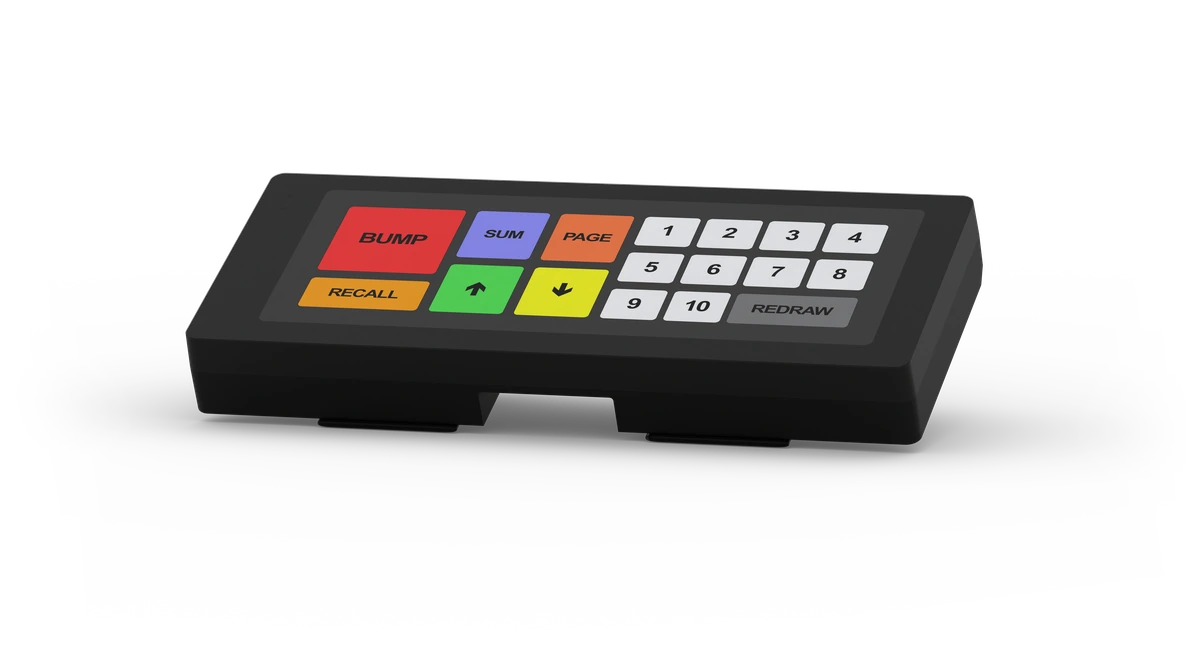
The programmable KB9000 bump bar provides an alternative way to manage orders when a KDS screen is mounted overhead or when touchscreen control is not the preferred kitchen workflow.
Overhead-Friendly Control
Operate an overhead display without reaching for the screen.
Programmable Workflow
Support kitchen order-management actions through a dedicated physical control surface.
CONNECTED RESTAURANT WORKFLOW
Follow the Order from Entry to Completion
KDS becomes the kitchen connection point between supported order entry, preparation, fulfillment, and runner coordination.
1. Order Entered
The order begins on a supported Clover device or connected ordering channel.
2. Sent to KDS
Order details appear in the kitchen without depending on a paper ticket handoff.
3. Routed for Preparation
Items can be directed to the correct preparation area for a more organized kitchen flow.
4. Status Updated
The team can follow ticket timing and visual order-status cues during preparation.
5. Order Completed
Prepared items move through fulfillment and expo review before leaving the kitchen.
6. Runner Ticket Printed
A runner ticket can be printed from KDS through a compatible network-connected printer when needed.
PART OF A CLOVER RESTAURANT SETUP
KDS Works Alongside Your Restaurant POS
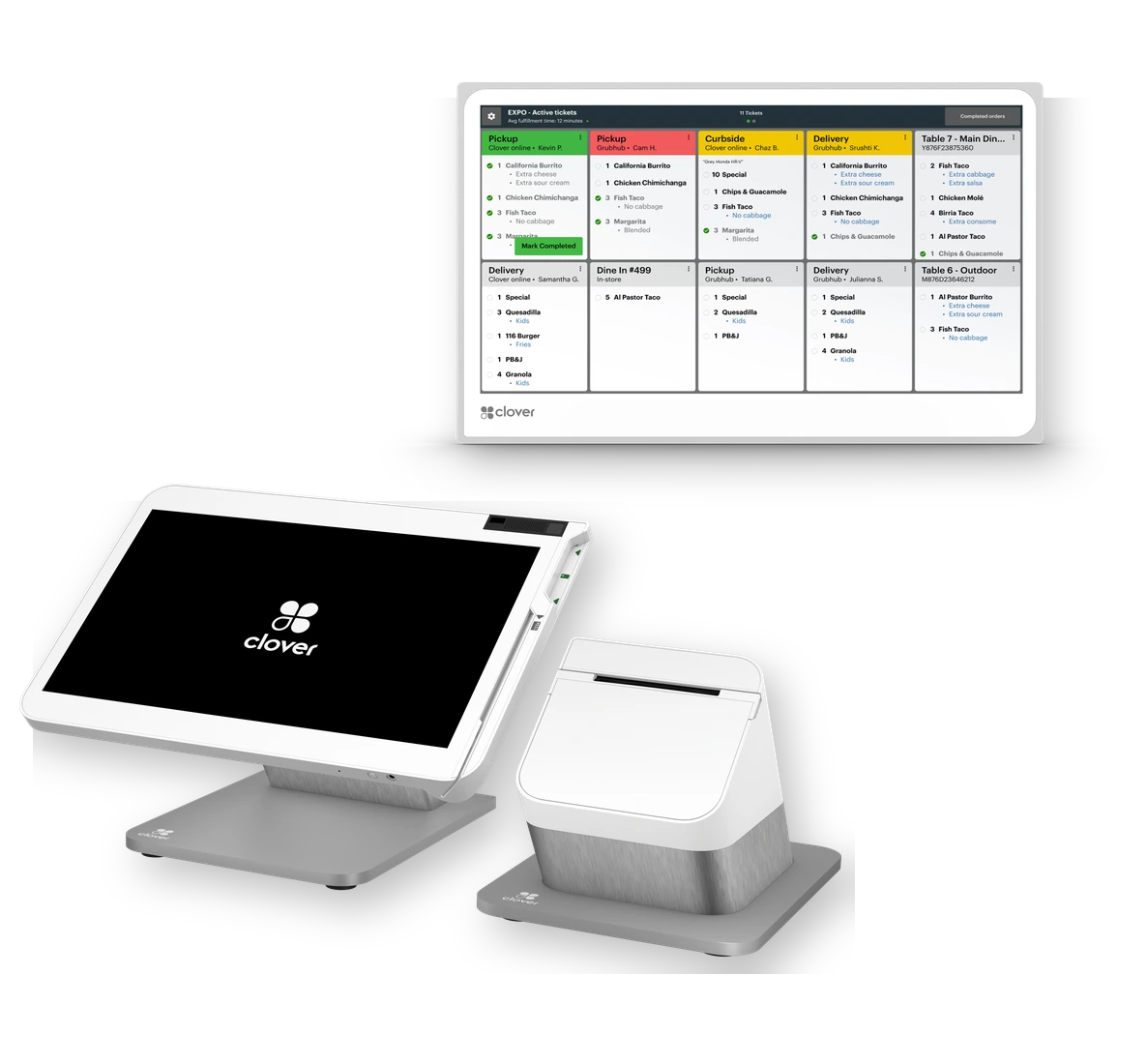
Clover KDS is an additional restaurant device rather than a standalone point-of-sale system.
Clover currently requires merchants to use a Register, Table Service Restaurant, or Counter Service Restaurant plan to purchase and use KDS. AutoCard Solutions can help review the device mix and restaurant plan that fit the operation.
RESTAURANT SYSTEM REVIEW
Build a Better Kitchen Workflow
Let AutoCard Solutions help you connect ordering, payments, and kitchen fulfillment with the right Clover restaurant setup.
Talk with AutoCard Solutions