SELF-SERVICE ORDERING
Clover® Kiosk
Help customers place orders, customize items, and complete payments with a self-service kiosk built for faster lines, smoother ordering, and a better restaurant experience.
Request Kiosk Options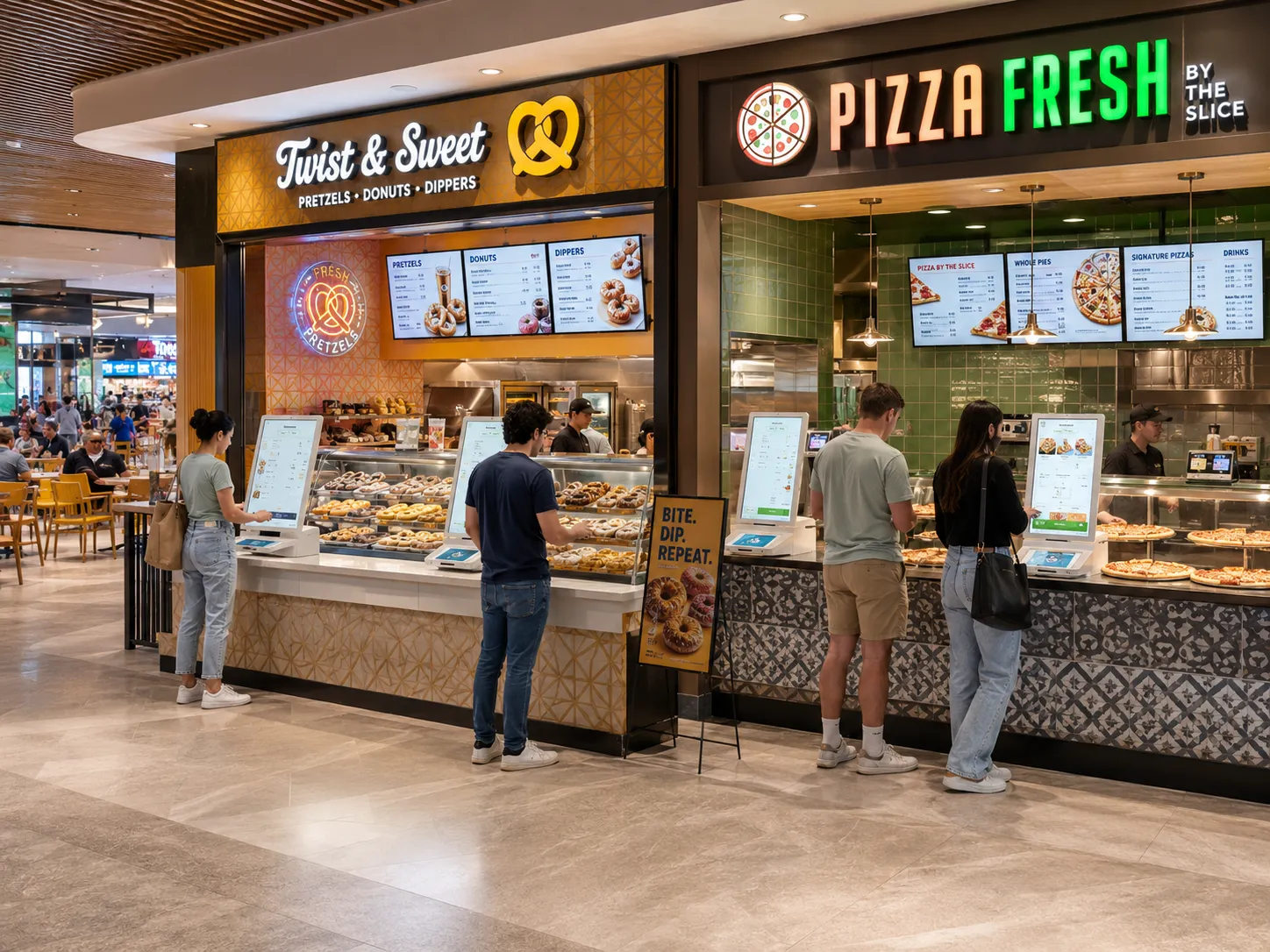
ORDERING MADE SIMPLE
Give Customers a Faster Way to Order
Clover Kiosk gives restaurants and quick-service businesses a self-ordering option that can help reduce bottlenecks at the counter while giving customers more control over the ordering process.
-
Self-Service Ordering
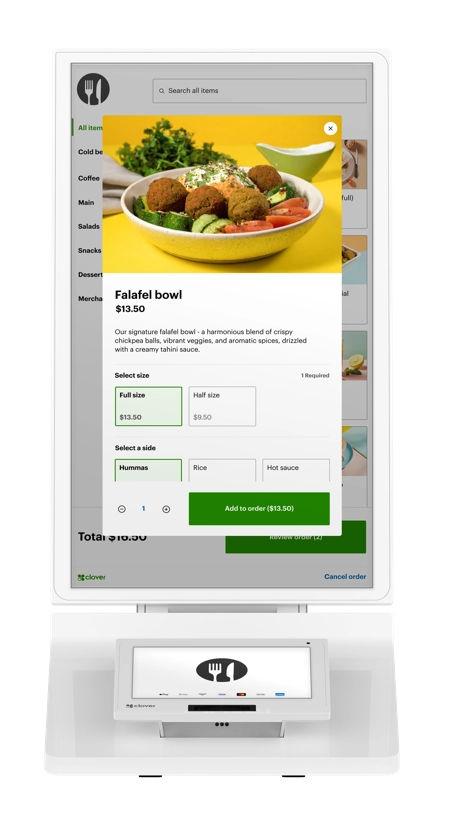
Customers can browse menu items, customize selections, and send orders through the kiosk workflow.
-
Integrated Payments
A dedicated payment screen helps customers complete transactions directly at the kiosk.
-
Built-In Receipt Printer
The kiosk setup can support receipt printing for a cleaner self-service checkout experience.
KIOSK FEATURES
Built for Customer Flow
From ordering to payment, Clover Kiosk helps create a more guided experience for customers and a more organized workflow for staff.
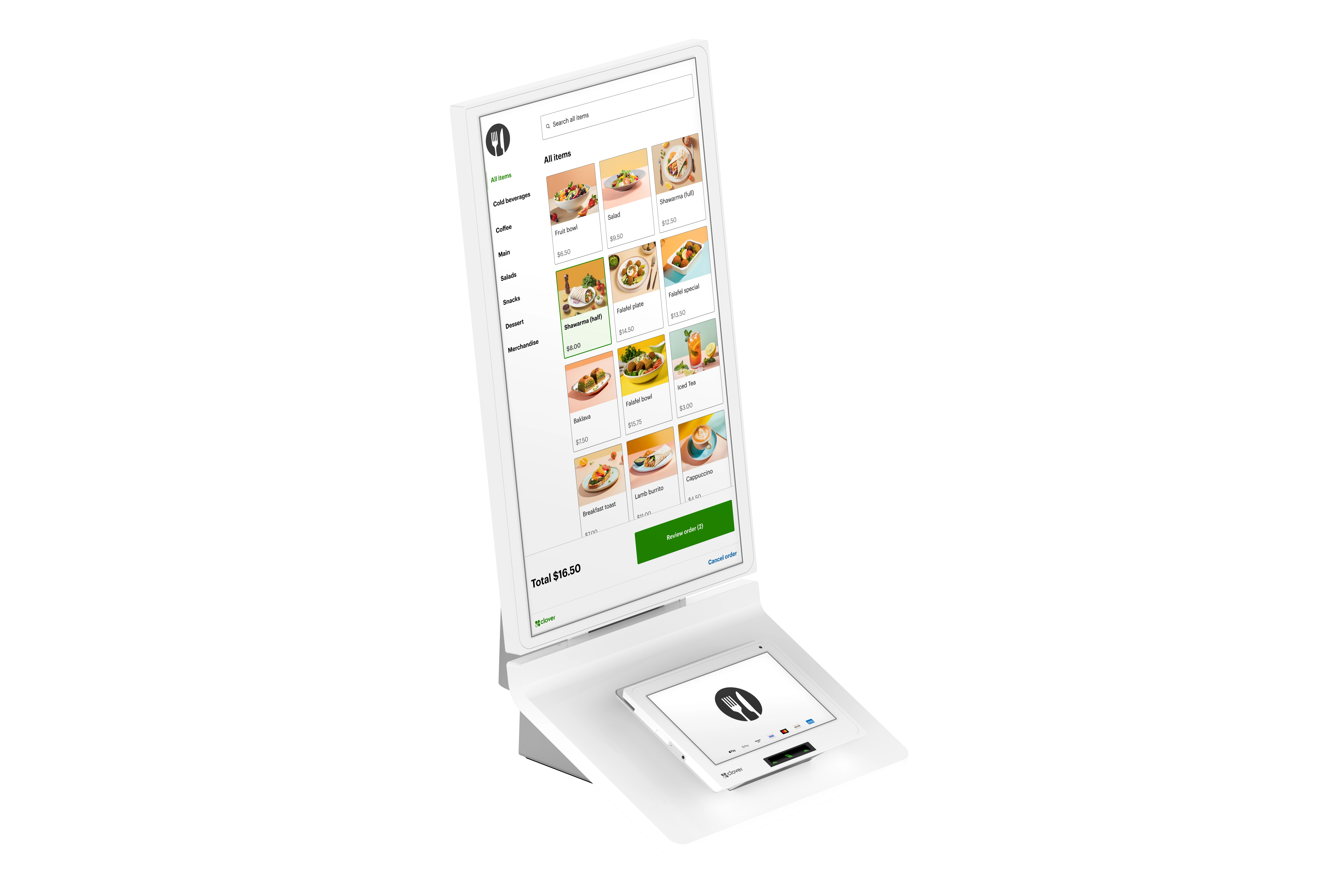
Large Ordering Display
A customer-facing touchscreen gives guests room to browse, review, and build their order.
Menu Customization
Customers can select items, modifiers, and options through a guided ordering flow.
Payment Screen
The dedicated payment area helps keep ordering and checkout connected in one station.
Receipt Printing
Integrated receipt printing helps complete the self-service experience at the kiosk.
BETTER CUSTOMER EXPERIENCE
Let Customers Move at Their Own Pace
Some customers want speed. Others want time to review choices, add modifiers, and confirm details before paying. A self-ordering kiosk gives them that control without tying up the front counter.
For busy restaurants, cafes, and quick-service locations, that can create a cleaner line, a calmer ordering experience, and a more consistent payment flow.
PLACEMENT OPTIONS
Flexible Kiosk Setups for Your Space
Every restaurant layout is different. Clover Kiosk can be planned around the space, customer flow, and counter setup that makes sense for your location.
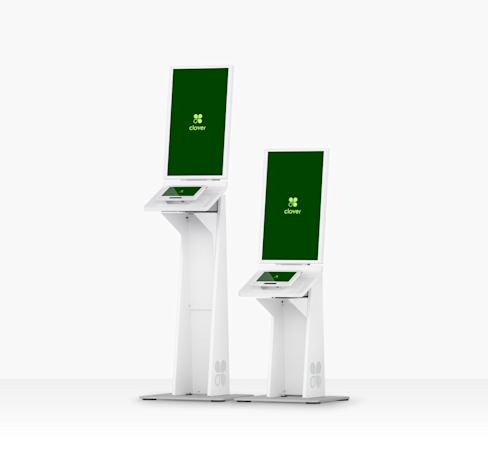
Floor Stand
A freestanding setup for locations that want a dedicated self-ordering station in the customer flow.
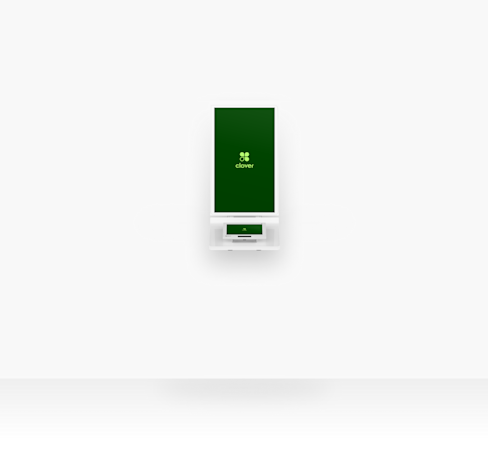
Wall Mounted
A space-saving option for tighter layouts, pickup areas, or guided ordering points.
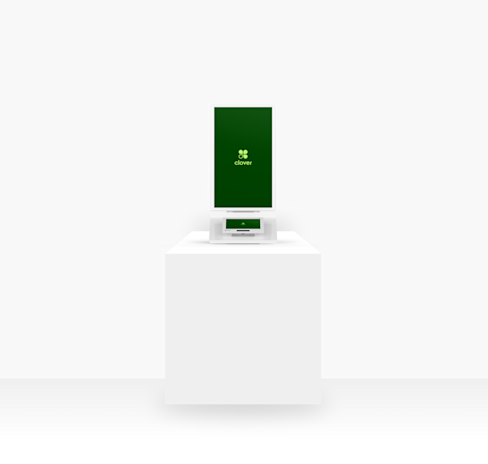
Countertop
A compact placement option for counters, service areas, or businesses testing self-service ordering.
LOW-TOUCH ORDERING
Self-Ordering, Optimized
A kiosk can help streamline ordering without removing the human side of service.
Staff can stay focused on food prep, customer support, and order fulfillment while customers handle the ordering flow.
A guided kiosk process can help keep orders consistent by walking customers through available options and selections.
AutoCard Solutions can help review your current payment setup and discuss whether a kiosk fits your business model.
CUSTOM KIOSK REVIEW
Ready to Add Self-Service Ordering?
Share your restaurant setup, customer flow, and current payment environment. AutoCard Solutions can help review kiosk options and discuss a setup that fits your location.
Request Kiosk Review