REMOTE PAYMENT ACCEPTANCE
Clover® Virtual Terminal
Take secure payments from your computer when the card is not physically in front of you. Ideal for phone orders, office payments, balances due, deposits, and remote customer billing.
Request Virtual Terminal Options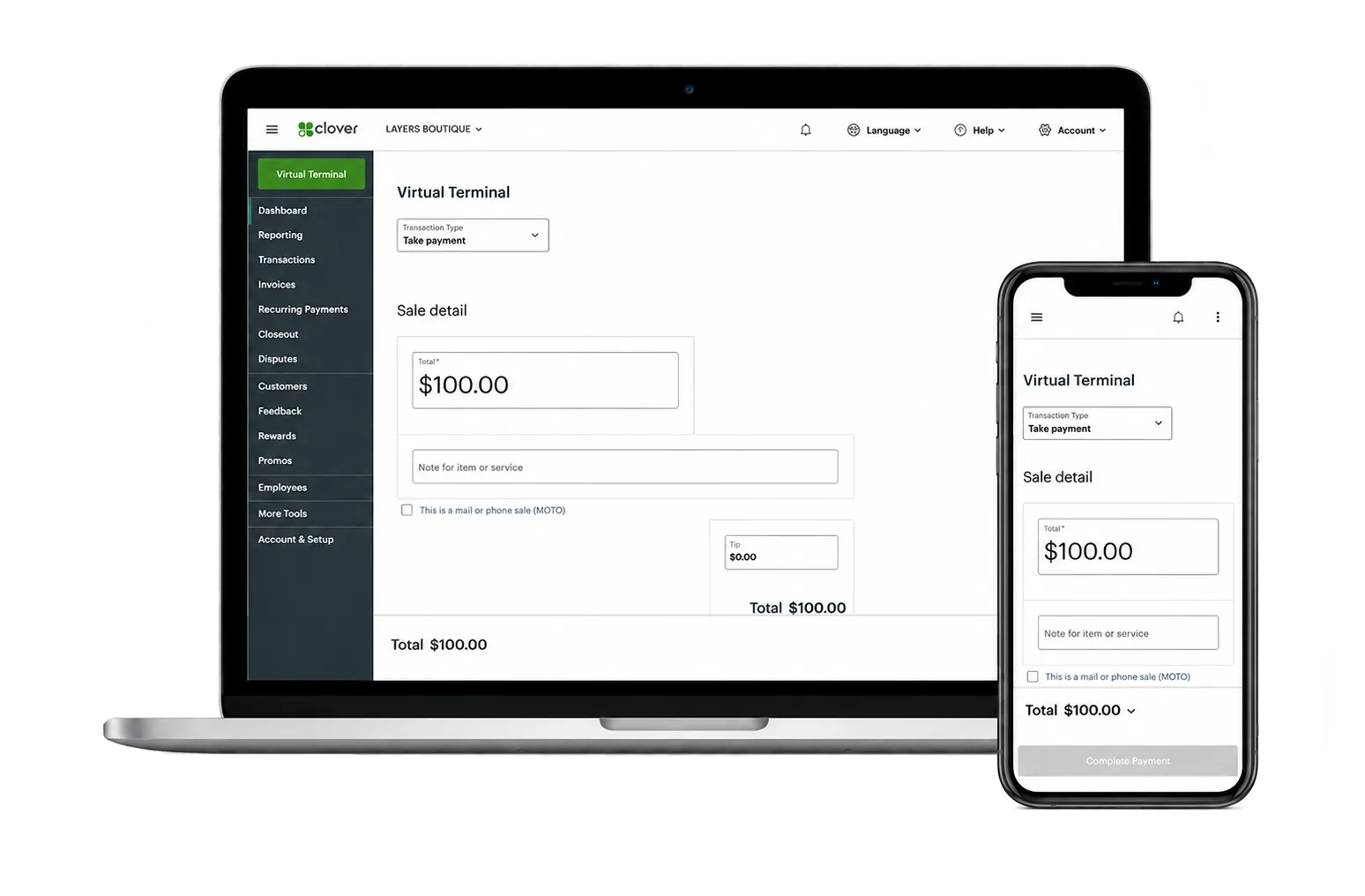
PAYMENTS WITHOUT THE COUNTERTOP
When the Customer Is Not in Front of You, You Still Need to Get Paid
Not every payment happens face to face. Some businesses take orders over the phone, collect deposits before the appointment, process balances from the office, or handle payments after service is complete. A virtual terminal gives those businesses a secure way to accept card payments directly from a computer.
-
Take Phone Payments
Accept payment while speaking with a customer without needing them to stand in front of a terminal.
-
Key in Transactions
Process card-not-present payments from a secure browser-based workflow on your office computer.
-
Handle Deposits and Balances
Collect money before, during, or after the job when payment timing does not happen at the counter.
COMMON PAYMENT SCENARIOS
Where Virtual Terminal Fits
This is the tool for businesses that need to accept payments without a physical terminal in the customer’s hands.
Phone Orders
Take payment while speaking with a customer who is calling in an order or service request.
Deposits
Collect a deposit to reserve time, hold inventory, or confirm an upcoming appointment.
After-Service Billing
Take final payment once work is completed or when the customer is no longer on-site.
Office Processing
Give office staff a clean way to accept remote payments from a central workstation.
MORE THAN MANUAL ENTRY
What Virtual Terminal Can Help You Do
Virtual Terminal is useful when your business needs a secure way to handle payments from a computer, tablet, or phone without depending on a countertop device.
Accept Payments from Your Dashboard
Process payments from a computer, tablet, or smartphone when you need a flexible payment option beyond the countertop.
Request Customer Payments
Send a payment request by email so customers can complete payment online when they are not standing in front of you.
Send Digital Receipts
Email receipts to customers and keep payment activity easier to reference after the transaction.
Support Safer Remote Payments
Use tools such as address verification and card verification value checks to help support safer card-not-present payment workflows.
Keep Transactions Connected
Remote payments can sync with the broader Clover payment environment so activity is easier to track in one place.
Create a Backup Payment Path
When a normal payment workflow is interrupted, a virtual terminal can give your team another way to keep payments moving.

REMOTE PAYMENT CLARITY
A Cleaner Way to Process Card-Not-Present Transactions
When remote payments are handled casually, it can create confusion, delay, and follow-up problems. A virtual terminal gives your team a more structured way to process customer payments from the office or admin desk.
That can be especially helpful for service businesses, appointment-based businesses, professional offices, remote sellers, and any operation that regularly accepts payments over the phone.
HOW IT HELPS
Built for Real Payment Situations
Virtual terminal is not about replacing every payment tool. It is about filling the gap when you need to process a payment from a computer instead of a countertop terminal.
Take the Call
Speak with the customer, confirm the charge, and process the payment without sending them elsewhere.
Process Securely
Use a structured workflow instead of scattered manual methods or disconnected payment workarounds.
Stay Connected
Keep remote payments aligned with the rest of your payment setup instead of treating them like a separate system.
WHO IT SERVES
A Good Fit for Businesses That Bill Beyond the Counter
If your team takes payments by phone, from the office, or after the job is complete, virtual terminal can simplify that process.
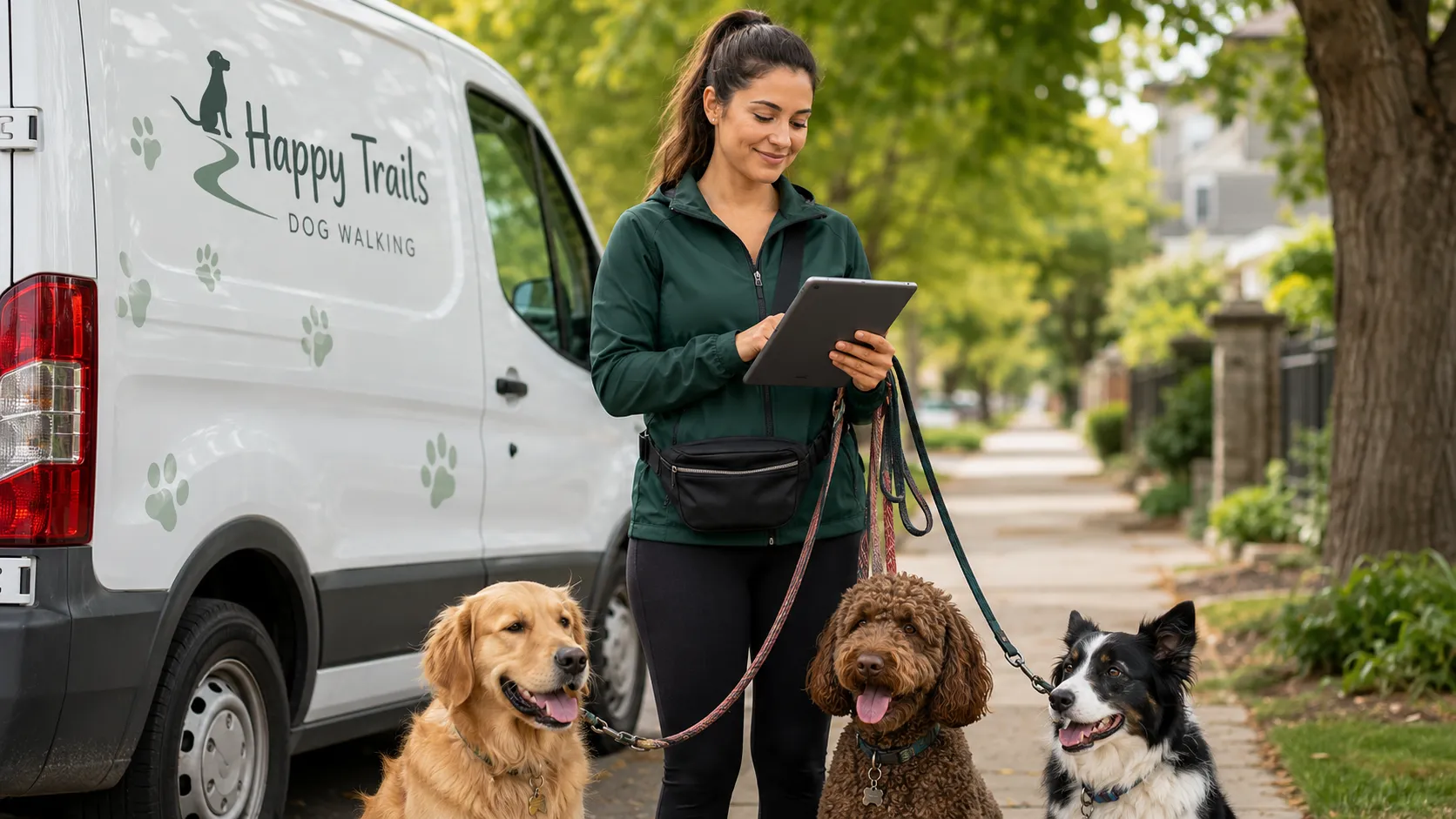
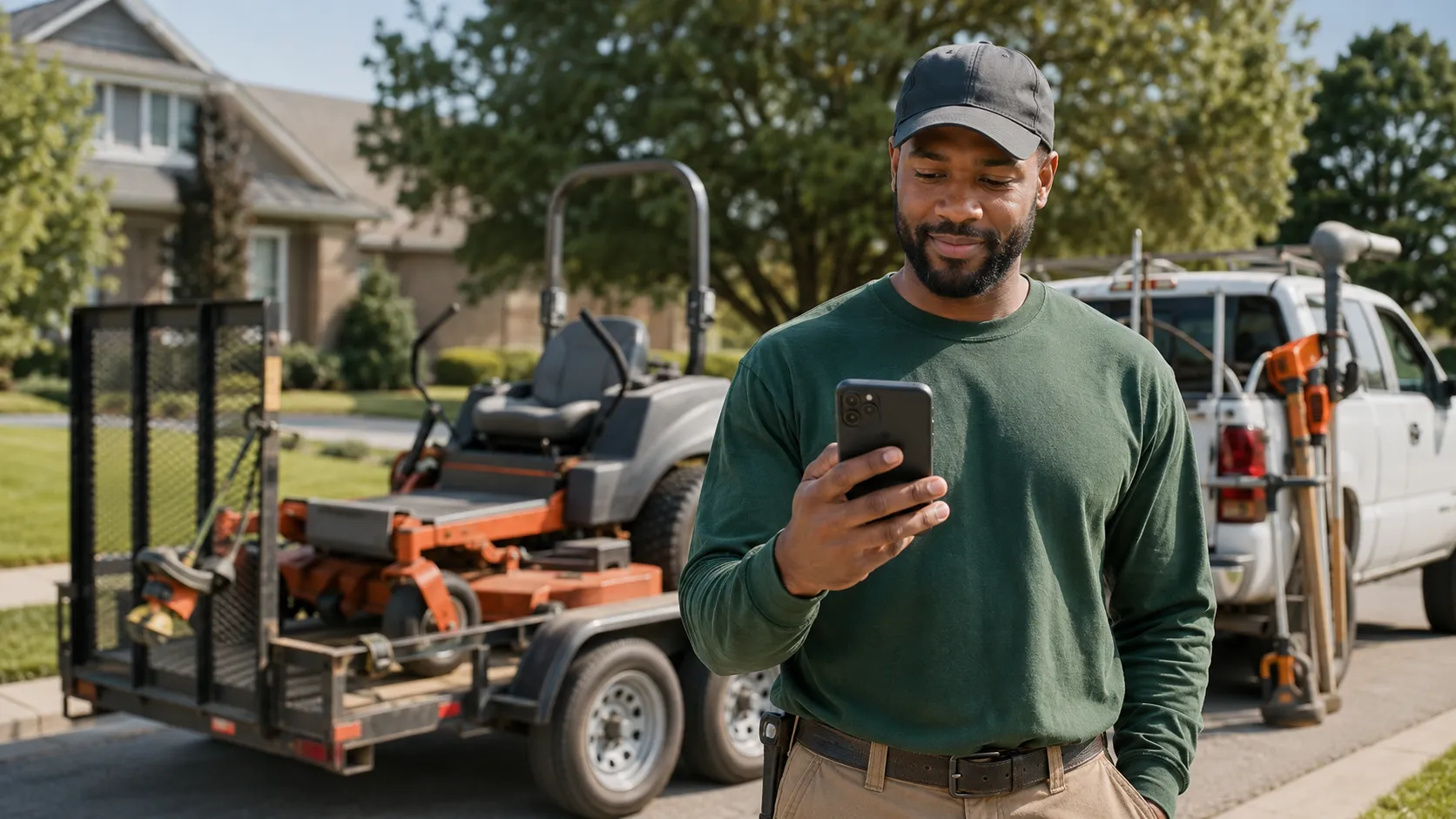
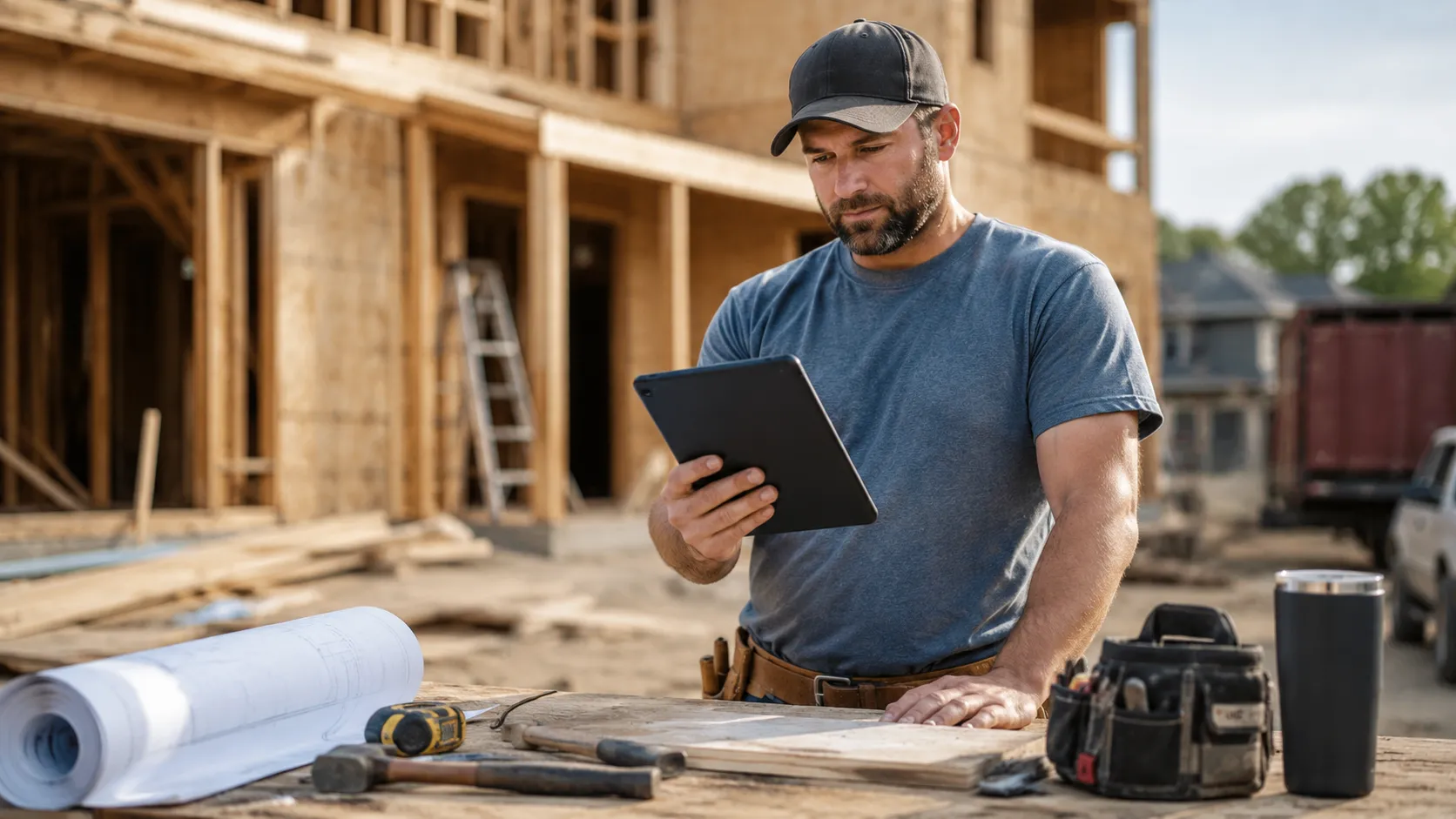
Contractors, repair companies, and field-service businesses collecting deposits or balances.
Retail or specialty businesses taking phone orders or holding products for pickup.
Professional offices and admin teams taking remote payments from a central desk.
Home-based and small remote businesses that need a browser-based way to accept payments.

VIRTUAL TERMINAL REVIEW
Need a Better Way to Take Payments from the Office?
If your business accepts remote payments, phone payments, deposits, or balances due, AutoCard Solutions can help review virtual terminal options that fit how your team actually works.
Request Virtual Terminal Options