


PAYMENTS BEYOND THE COUNTER
Clover® Invoicing
Send professional invoices, give customers an easier way to pay, and keep payment activity connected without chasing every transaction manually.
Request Invoicing Options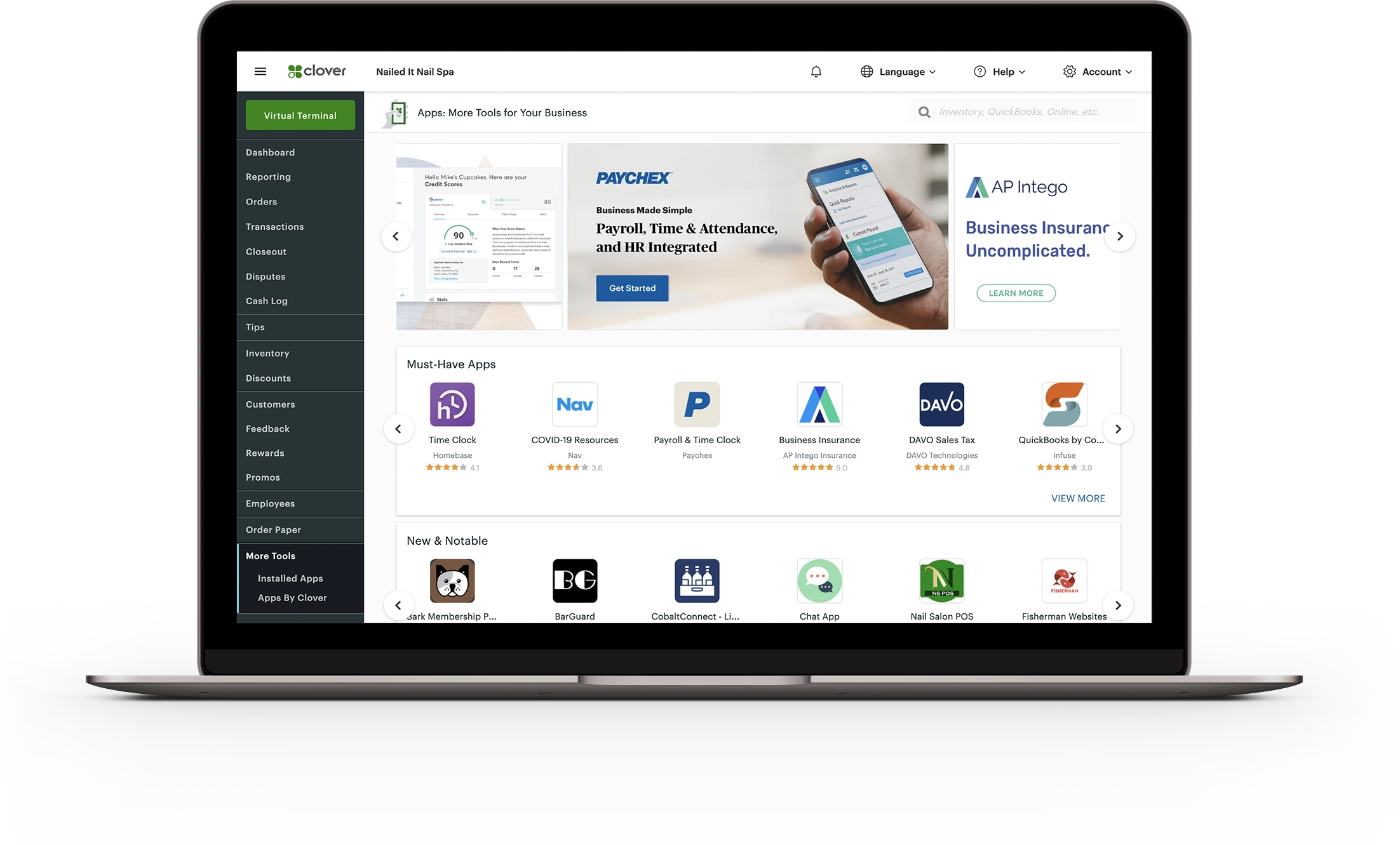
INVOICING MADE CLEAR
Billing Should Not Slow Down the Sale
Some businesses do not collect payment at a counter. They send estimates, bill after service, collect deposits, or follow up after work is complete. Invoicing gives those businesses a cleaner way to request payment and track what is still open.
-
Send Payment Requests
Create invoices and send customers a clear way to review charges and submit payment.
-
Accept Online Payments
Give customers a convenient payment option without requiring a physical terminal at the time of billing.
-
Track Invoice Activity
Keep an eye on sent invoices, paid invoices, outstanding balances, and billing history.
INVOICE WORKFLOW
Tools for Getting Paid Without the Guesswork
Invoicing is not just about sending a bill. It is about making the payment path clearer for both the business and the customer.
Create Invoices
Build invoices for services, orders, deposits, balances, or follow-up billing needs.
Send to Customers
Share invoice requests digitally so customers have a direct path to review and pay.
Follow Up Easier
Reduce confusion around what has been sent, what has been paid, and what still needs attention.
Keep History
Reference past invoices and payment activity when customers have questions later.
PAYMENT FOLLOW-UP
Know What Is Paid and What Still Needs Attention
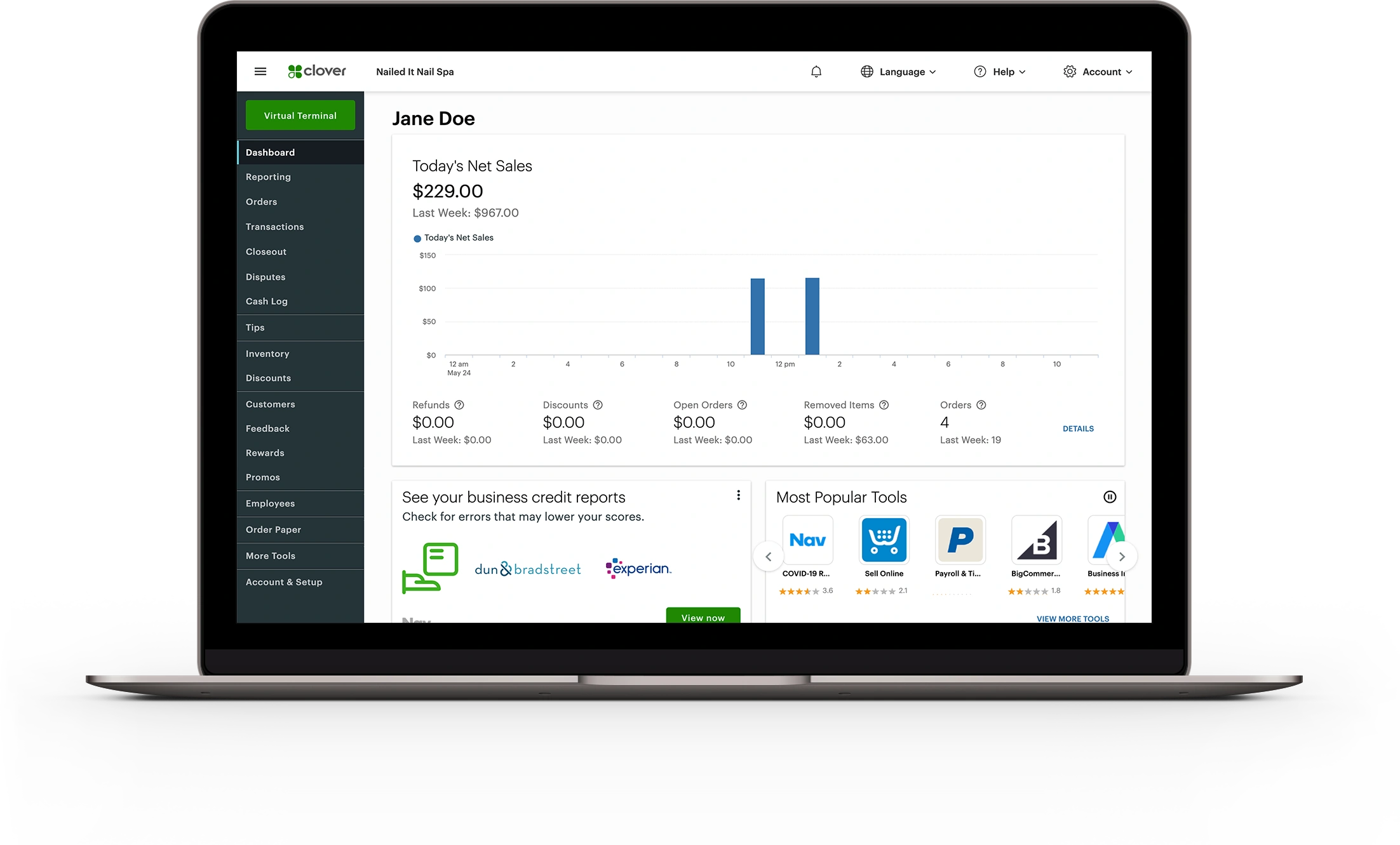
When payment requests are scattered across email, paper notes, text messages, and verbal reminders, follow-up becomes messy. A connected invoice workflow helps bring that activity into one clearer process.
For service businesses, contractors, offices, mobile providers, and remote billing situations, that clarity can make the difference between “I think they paid” and “we can see where it stands.”
BUILT FOR REAL BILLING
Where Invoicing Fits
Not every payment happens in person. Invoicing helps when the transaction needs to happen after the conversation, after the quote, or after the job.
Service Businesses
Send invoices after appointments, repairs, installations, or completed work.
Mobile Operations
Collect payment after deliveries, job-site work, events, or off-site services.
Professional Offices
Give clients a clear digital payment path for balances, fees, retainers, or service charges.
CONNECTED BILLING
More Than a Payment Link
Good invoicing makes the customer experience clearer and the business workflow easier to manage.
Customers get a cleaner way to understand what they owe and how to pay.
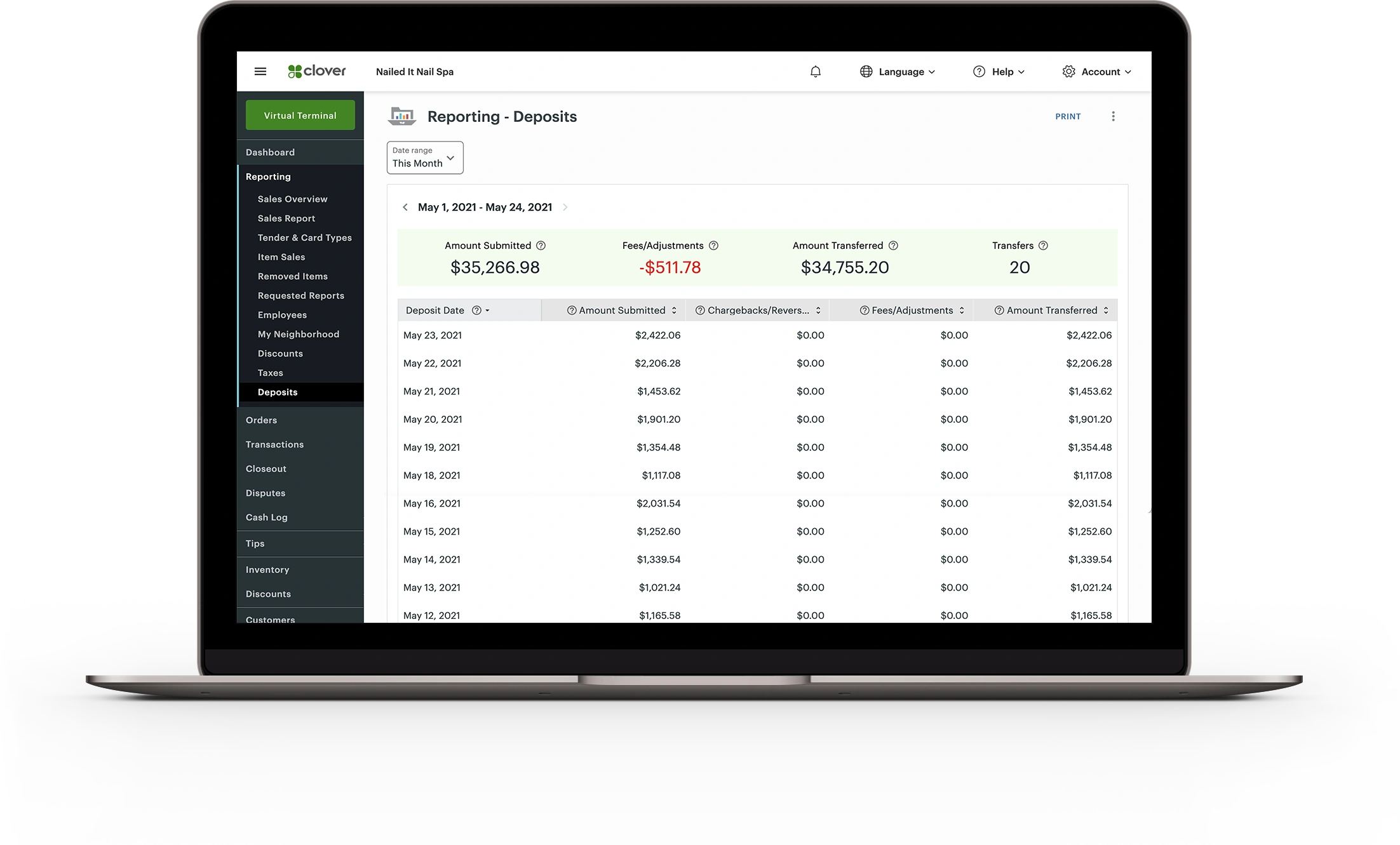
Your team gets a clearer way to see invoice status and payment history.
AutoCard Solutions can help review how invoicing fits with your broader payment setup.
CUSTOM INVOICING REVIEW
Need a Better Way to Send and Track Payments?
Share how your business currently bills customers, collects balances, and tracks follow-up. AutoCard Solutions can help review invoicing options that fit your workflow.
Request Invoicing Options